Questions
Frequently asked questions
Do I need a new phone number?
Reminders are sent through the official WhatsApp Business Platform from your academy's own number. Today the number used for this cannot be the same one you use in the normal WhatsApp app, so most academies use a separate SIM. We guide you through the setup.
Will parents get spam from you?
No. feeFlick sends only fee-due reminders, only to parents who agreed to receive them, at most once a day, and stops as soon as the fee is paid. We never send advertising.
Do I pay WhatsApp separately?
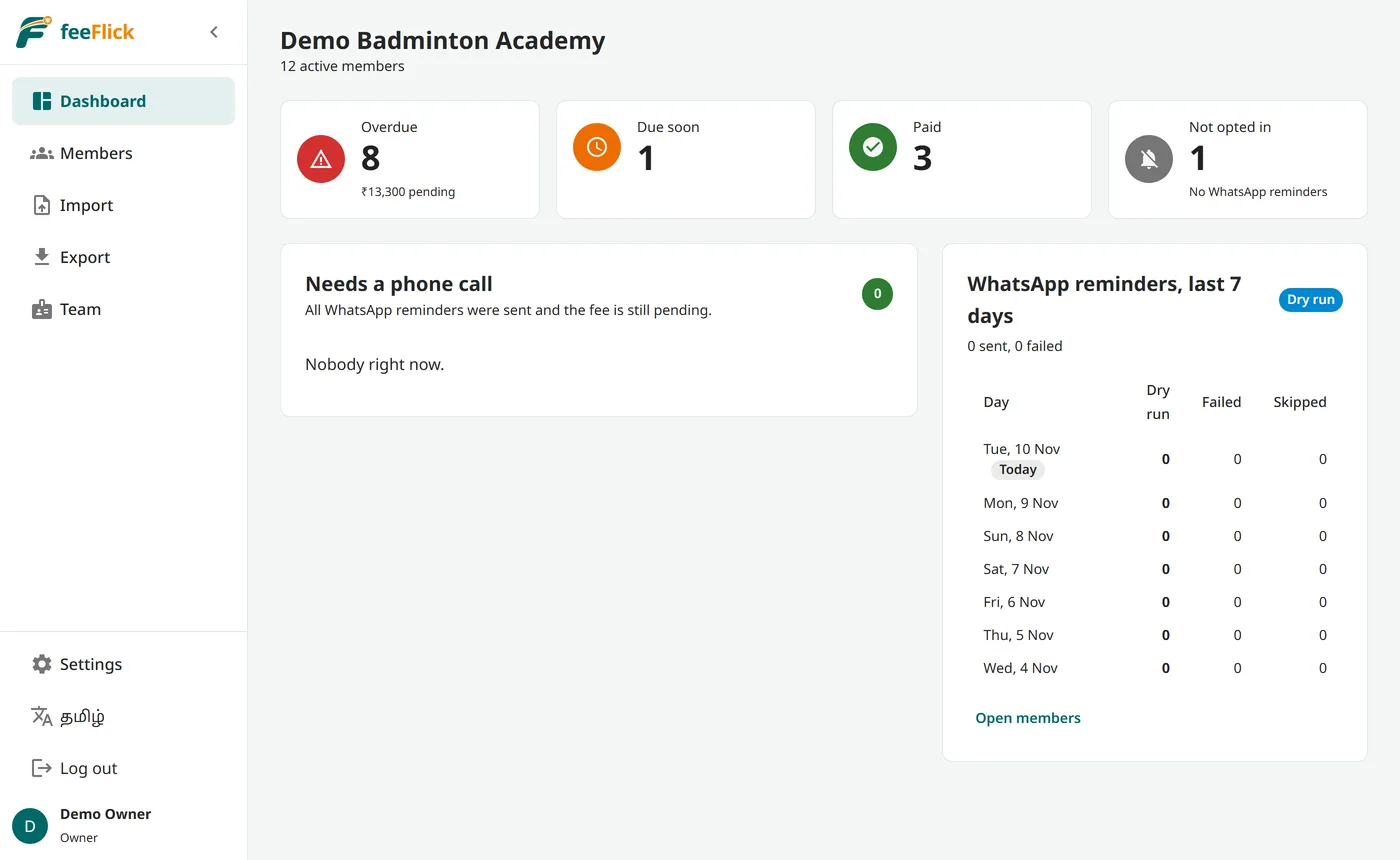
No. On the feeFlick WhatsApp number the reminders are included in your plan (100, 300 or 800 a month) and feeFlick pays Meta. Your dashboard shows how many of this month's reminders are used. Only if you choose your own WhatsApp number does Meta bill your WhatsApp Business account directly, about 14 paise per delivered reminder. See WhatsApp charges.
Can parents pay from the reminder?
Yes. Every reminder has a Pay now button. It opens a secure page with the fee: parents pay with any UPI app straight to your UPI ID and tap "I have paid", or, if you connect your own Razorpay account, pay by UPI, card or netbanking and the fee is marked paid automatically. Either way you get a WhatsApp message when a parent pays or says they have paid. The money always goes to your account, never through feeFlick.
How do parents agree to WhatsApp reminders?
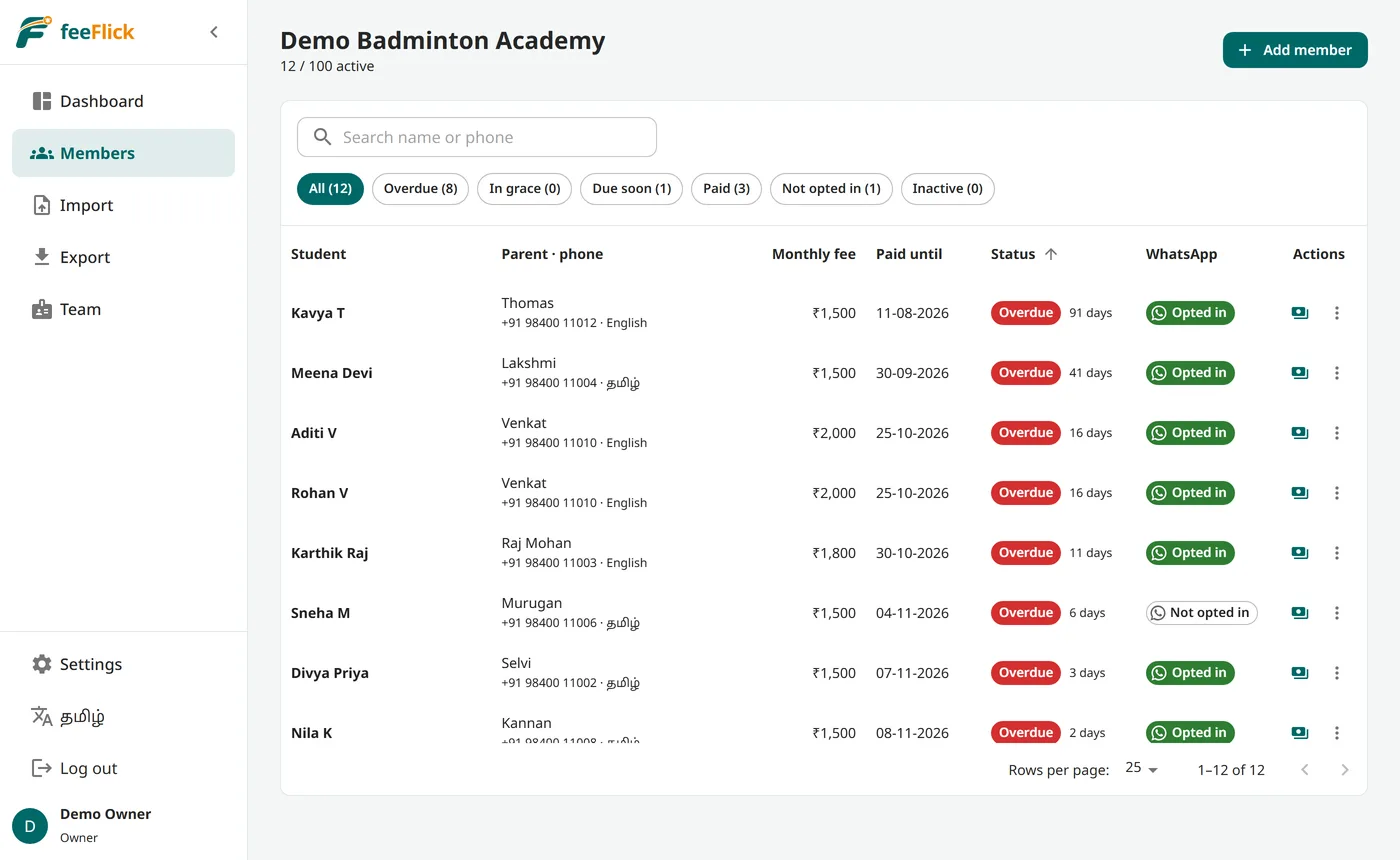
Put the feeFlick poster on your notice board. Parents scan its QR code and send "JOIN" with your academy's code on WhatsApp, and they are signed up, with their agreement recorded on WhatsApp itself. You can also mark agreement in the app, for example from the admission form. Parents can press Stop in any reminder.
Can my staff use it?
Yes. The owner can add staff logins: 2 on Starter, 5 on Academy and unlimited on Large. Staff can see students and record payments. Importing, exporting, deleting and settings stay with the owner.
We have several branches. Does that cost extra?
No. Branches are included in every plan. Add your branches in Settings, pick the branch for each student (or put a Branch column in your Excel file) and see the dashboard for all branches or one. A staff login can be limited to one branch, so they see and record payments only for that branch's students. Choose the plan by the total number of students in all branches together.
Can I change my plan later?
Yes. If your academy grows, move to a bigger plan at any time and pay only the difference for the months left. You can move to a smaller plan when you renew. Every feature stays the same; only the student and staff limits change.
Is our data safe?
Each academy's data is kept separate and can only be seen by that academy's logins. The database is on servers in India (Mumbai), daily backups are encrypted, and all traffic is encrypted. Read our privacy policy.
What happens if I stop using feeFlick?
You can export all your data to Excel at any time, even after your plan ends. When you leave, we delete your academy's data within 30 days. See data deletion.
Do parents need to install anything?
No. Parents only receive a normal WhatsApp message. Only the academy owner and staff use the feeFlick app, in any web browser on a phone or computer.